Run Your Projects With Complete Visibility
Project managers need answers fast. Our system gives you instant access to what's happening right now and complete documentation of what already happened

Get Live Camera Feeds
Automated Daily Reports
Get Live Camera Feeds
.svg)
We Know What You're Dealing With
You manage multiple sites. Coordinate different contractors. Answer to clients who want updates. Deal with safety inspections. Handle disputes about what was or wasn't done.
You need proof. You need clarity. You need to see what's actually happening without driving to three different sites before lunch.
That's exactly what this system gives you.
Your Command Center
.png)
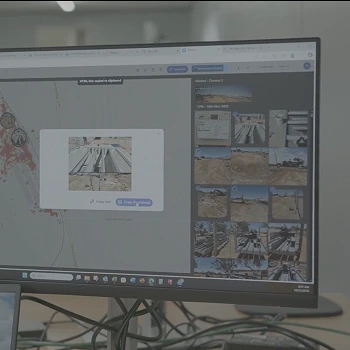
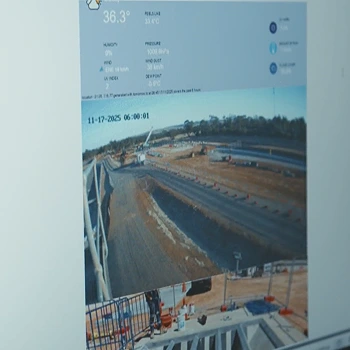
Live Camera Access
Check any site instantly. See current conditions. Verify crews are on location.
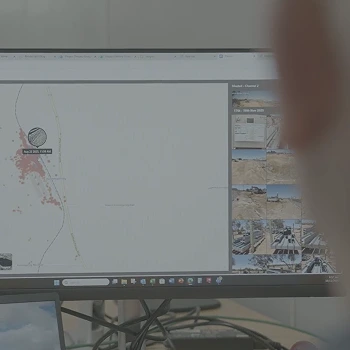
Map-Based Project View
Click any location and see all photos, videos, and camera footage from that spot. Complete context in seconds.
Automated Daily Reports
System compiles team captures and camera highlights into formatted reports. Send to clients or keep for records.
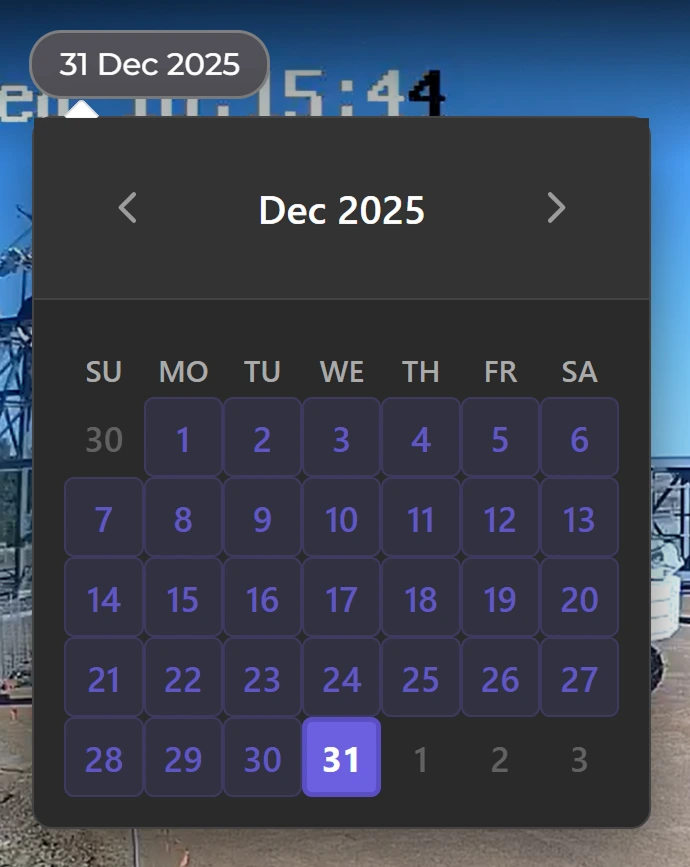
Timeline Playback
Scroll back through any date. See what happened hour by hour. Perfect for progress verification or incident review.
Team Activity Tracking
Know who documented what and when. Hold crews accountable for their documentation.
Download and Share
Export footage or reports for insurance claims, client updates, or compliance audits.
Your Command Center
From early planning to project handover, Piksort gives you full visibility of progress, variations, and communication, all in one place.
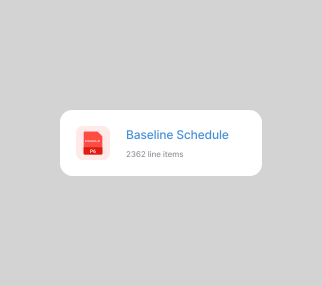
Upload your Schedule
Drop in your approved programme (P6, MS Project, or a simple spreadsheet). We map activities, dates, and key milestones so progress can be tracked against what was actually planned, not just what people “think” is happening. You can tag activities by area, work package, subcontractor, or trade to match how your site runs.
Invite your team
Add your supervisors, foremen, and subcontractors with role-based access. Each person only sees what they’re responsible for, and reporting is designed to be fast on mobile, no paperwork, no complicated forms. Everyone contributes in the same format, so you get consistency across the job.
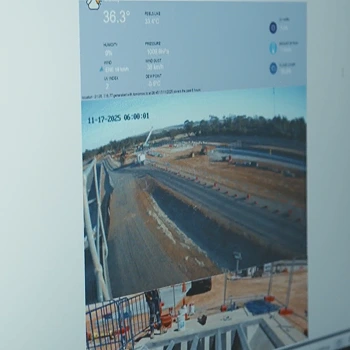
Get daily project updates
Your team logs progress daily in numbers (e.g., metres installed, m² poured, quantities delivered, tasks completed) and attaches photos/comments as evidence. You get an automatic view of planned vs actual, trends, and exceptions, so you can spot slippage early, back up claims with proof, and make decisions before small delays become big ones.
Manage With Confidence
See how project managers are cutting site visits in half while having better control than ever before.
Ideal for evolving construction sites.
Solar-powered
Weatherproof
Mobile
Book a demo. We'll show you the dashboard, walk through real project examples, and explain exactly how this fits your workflow.