
Every site photo, in one record you can search.
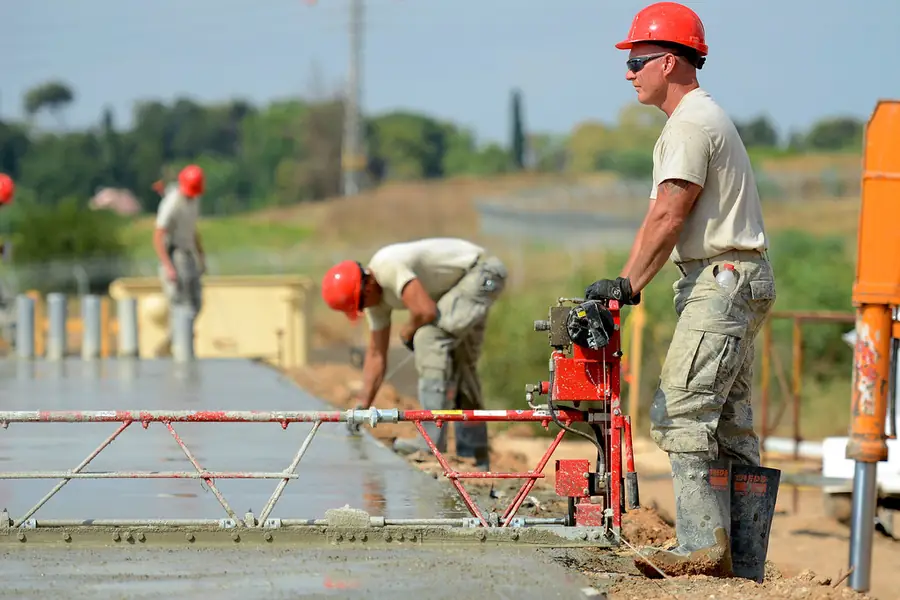
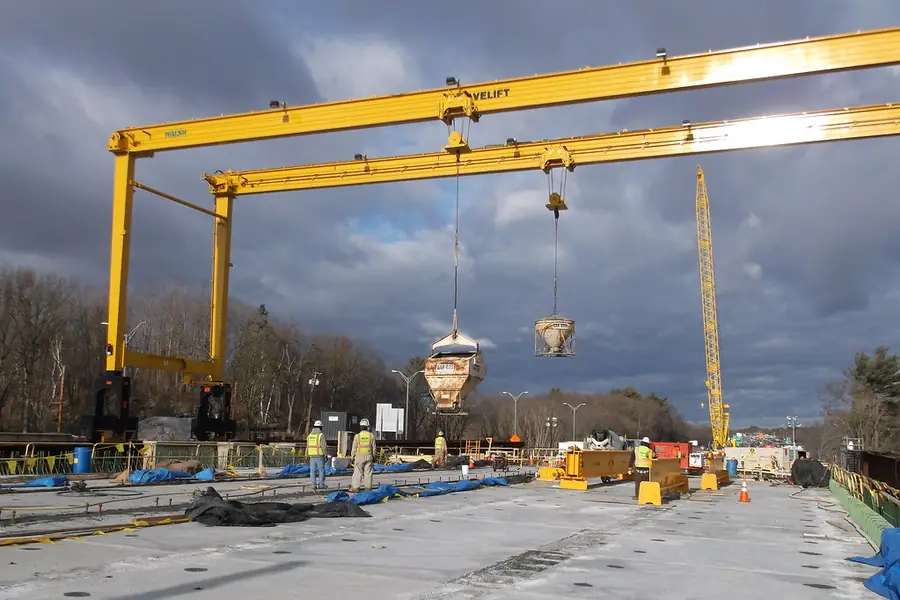
Crews shoot in the free app. Cameras watch the site. It all lands in one place your project managers can search by time, place, job and person.
Every project starts with 30 days free. Free for every contractor and subby on site. Or call +61 405 743 715.


Trusted on real sites by





Your site creates proof every day.
Finding it later is the hard part.
Scattered records
Photos live in phones, emails and folders. Nobody can find them when they're needed.
Slow reporting
Hunting for the right photo turns a simple report into hours of work.
Disputes without proof
When a claim lands, memory isn't proof. Missing records cost real money.
How Onslow Iron cut report prep from 6 hours to 45 minutes →
Three ways in. One record.
The mobile app, site cameras and the systems you already use all feed the same project record. The project manager's plan covers everyone.
Mobile app
Workers photograph work in about 10 seconds. Free for every crew on site, with GPS and time on every shot.
See the app →Cameras
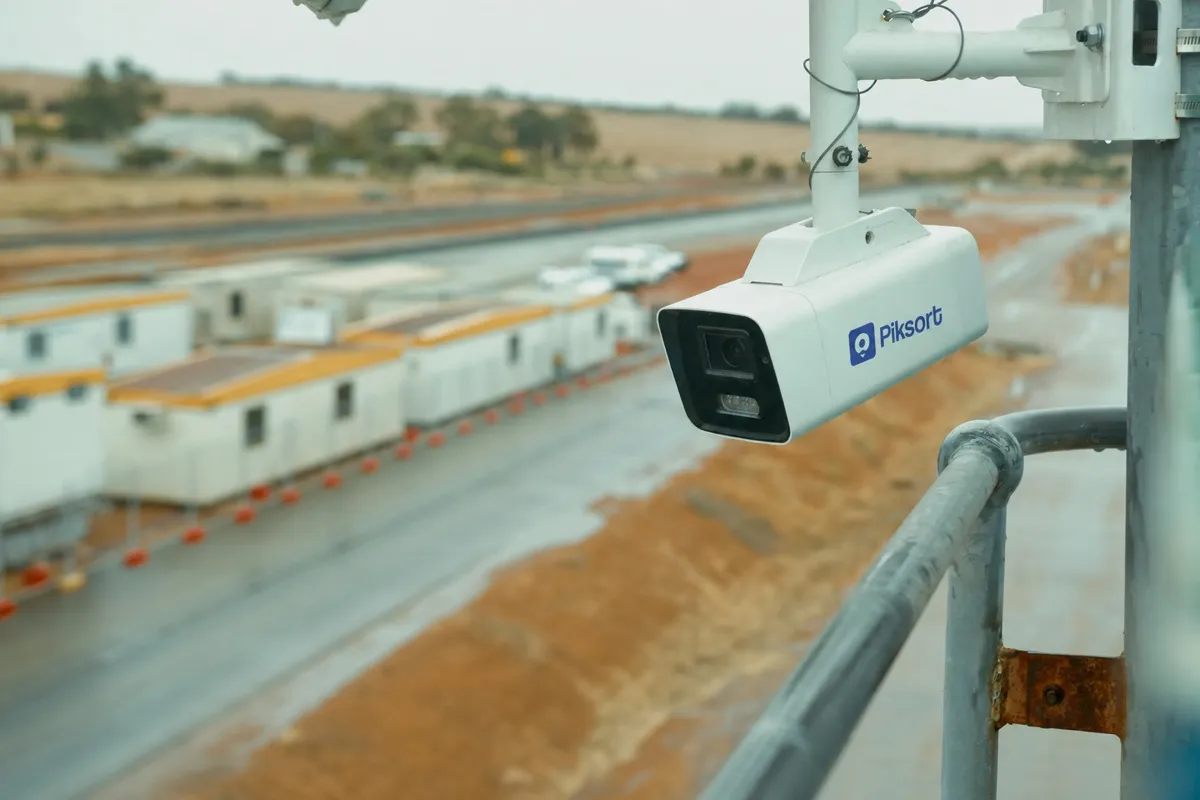
Solar 4G site cameras, ours or yours, taking a photo every 5 minutes for up to 14 hours a day.
Integrations
Photos and documents from the tools you already run, as they ship. Tell us which ones matter to you.
The Piksort platform
One record for project managers. Search it by time, place, job and person. Answer claims and audits with proof.
Explore the platform →
Crews take the photo once. Project managers find it when they need it.
Crews snap photos in the free app, about 10 seconds each. Cameras watch the site up to 14 hours a day.
Every photo, form and clip is tagged with its time, place, contractor and project. That happens on its own.
Search by date, place, job or person. Answer claims, audits and disputes with proof, not memory.
Find the moment by describing it.
Search by date, place, job and person today. Next, describe what is in the photo, like "concrete pour, north pad, last Tuesday", and Piksort finds it, whether you remember taking it or not. Rolling out to Unlimited plans first.

Add your own layers. Photos land on your site plan.
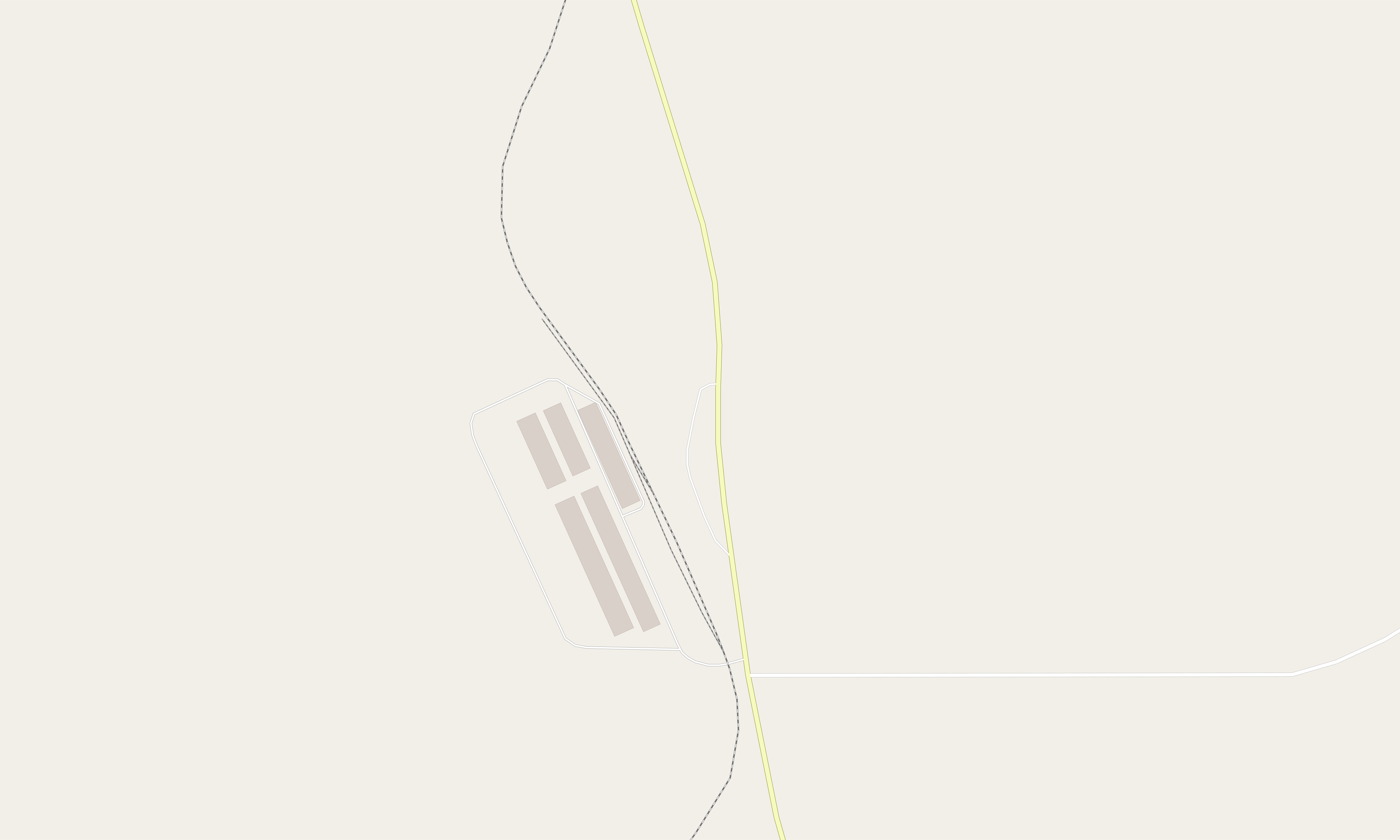
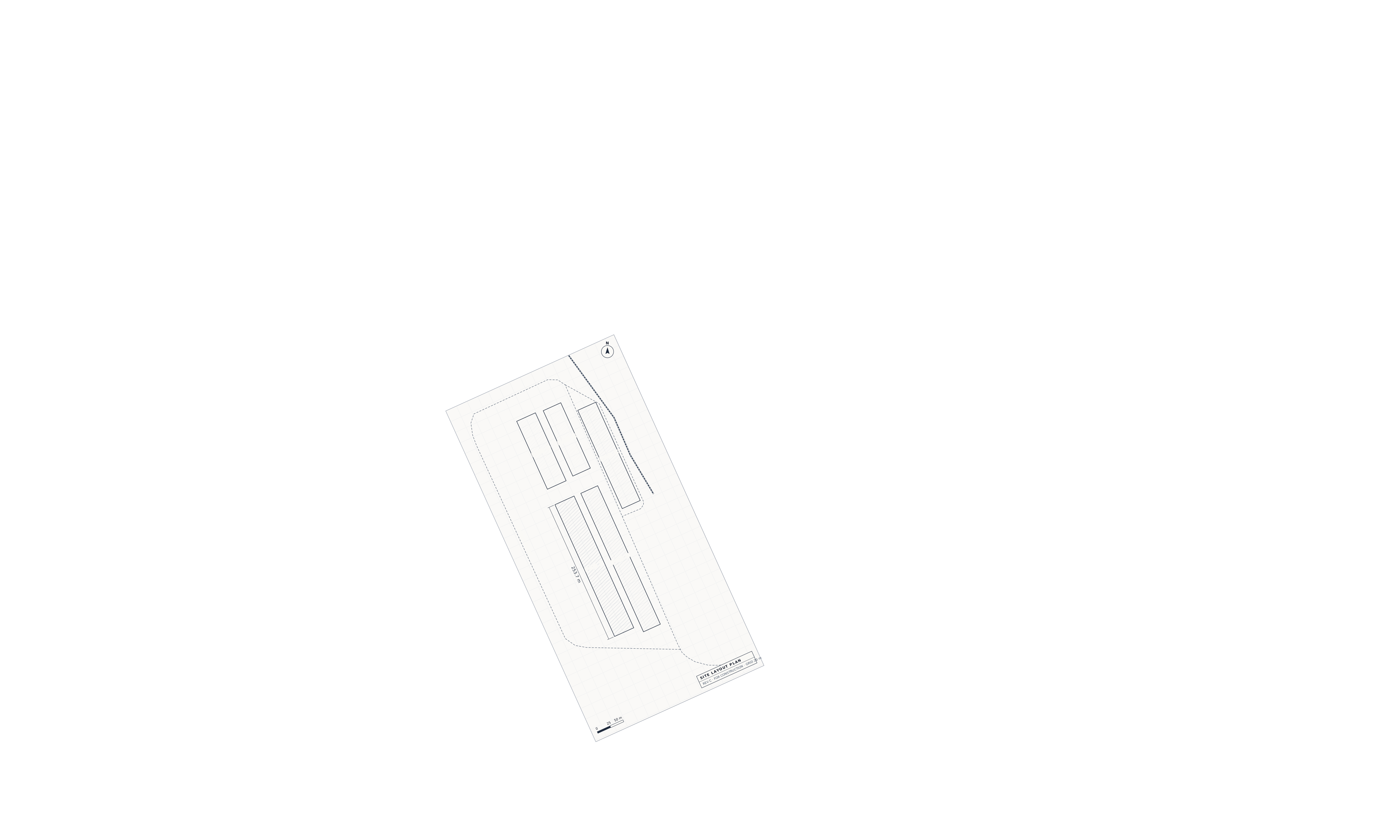
Upload the drone survey, the layout drawing and the boundaries your site already has. Piksort lines them up under every photo pin and camera view. A photo of a footing sits on that footing, over the ground as it was that fortnight.
Drop in the latest orthomosaic from your drone contractor. Every photo taken since then sits on that survey.
Pad layouts, laydown areas, haul roads. Line a drawing up once and every crew's photos land on the right pad.
Lease boundaries, exclusion zones, survey pegs, blast areas. Whatever your surveyors already export.
Switch layers on the map with one click, or turn one off when it is out of date. Try the Layers button in the demo →
Project managers hold the plan.
Everyone on site joins free.
No seats, no per-user fees. All prices in AUD, excluding GST.
Subby
Free
For viewers, contractors and subcontractors invited to someone else's project.
Start free- Contribute to paid projects
- Mobile app for your crews, unlimited photos
- Viewers see the whole record, read-only
Project
$1,080 /month per active project $10,800 /year per project
For the company running the project: the asset owner's project manager, or a contractor running its own site.
Start a project · first 30 days free- One project. Unlimited people and photos
- Adds 1TB to your company's storage pool
- Close the project and the fee stops
- Add cameras, quoted per camera
Unlimited
$12,960 /month, all your projects $129,600 /year, 2 months free
Priced at twelve projects. From the thirteenth, projects are free and only storage grows.
Book a call- Unlimited projects, open and closed
- 12TB shared across every project
- Semantic search, custom map layers and MCP integrations
- Monthly with no fixed term, or a year upfront
Extra storage is $150 per TB a month above your included total, billed on average use across the month. Cameras are priced separately, per camera: see camera pricing.
Third-party camera integrations.
Have cameras on site already? Book a call and we can see if they can be connected to your project record. Every frame then lands next to the crew's photos, searchable by time and place.
No cameras yet? Add ours.
Solar and 4G, installed by us, a photo every 5 minutes all working day.
$18/day per camera one camera, one price · ex GST
What customers say
“Photo documentation is the best way to track work and deliveries on site. No disputes, just hard proof. Piksort makes it easy to log every detail, ensuring accountability and a clear record of progress.”
 Brian Mangan Managing Director, Bluechip Industrial Services
 “This app is a game-changer on site. It's dead easy to use, cuts through the clutter, and focuses on what actually matters. Saves me a heap of time while keeping a solid record of site activities. Wouldn't run a job without it.”
 Andrew Bond Construction Specialist, CBH
 “Piksort has streamlined our OSDR process, greatly reducing administrative work and improving efficiency in both construction and logistics.”
 Daniel Hirsch Site Manager, CEM Alliance
 “Piksort keeps my team aligned and informed by centralizing all photos in one hub. With real-time updates and actionable insights, it streamlines communication, eliminates guesswork, and ensures proactive decision-making.”
 Lucio Tirone Deputy Senior Project Manager, SKA Observatory
 Common questions
Do the cameras need power or internet on site?
No. The cameras run on solar with battery backup and connect over 4G. No site power, cabling or internet needed.
How fast can a camera be on my site?
Usually within days of a signed quote. We do the install ourselves. It takes 2–3 hours per camera, on a pole or a fence.
Do I need a Piksort camera to use the platform?
No. Crews can capture with the mobile app on its own. Cameras can be added later.
What happens to the footage?
Every camera comes with live view and 14 days of playback in the Piksort app. Inside a Project or Unlimited plan, every image is kept for the life of the project, searchable by time, place, job and person.
How much does a camera cost?
$18 a day per camera, ex GST. Install is $399 in Perth metro or $699 in regional WA. 4K and continuous video are add-ons. Ask for a quote at piksort.com/cameras.
Where do you operate?
We're based in Perth and serve Western Australian sites first, with projects across Australia.
Is my project data secure?
Yes. Piksort is built for regulated industries and follows ISO 27001 practices.
Start a project. The first 30 days are free.
No card needed. Invite your contractors today. Or book a 15-minute call if you'd rather talk it through.